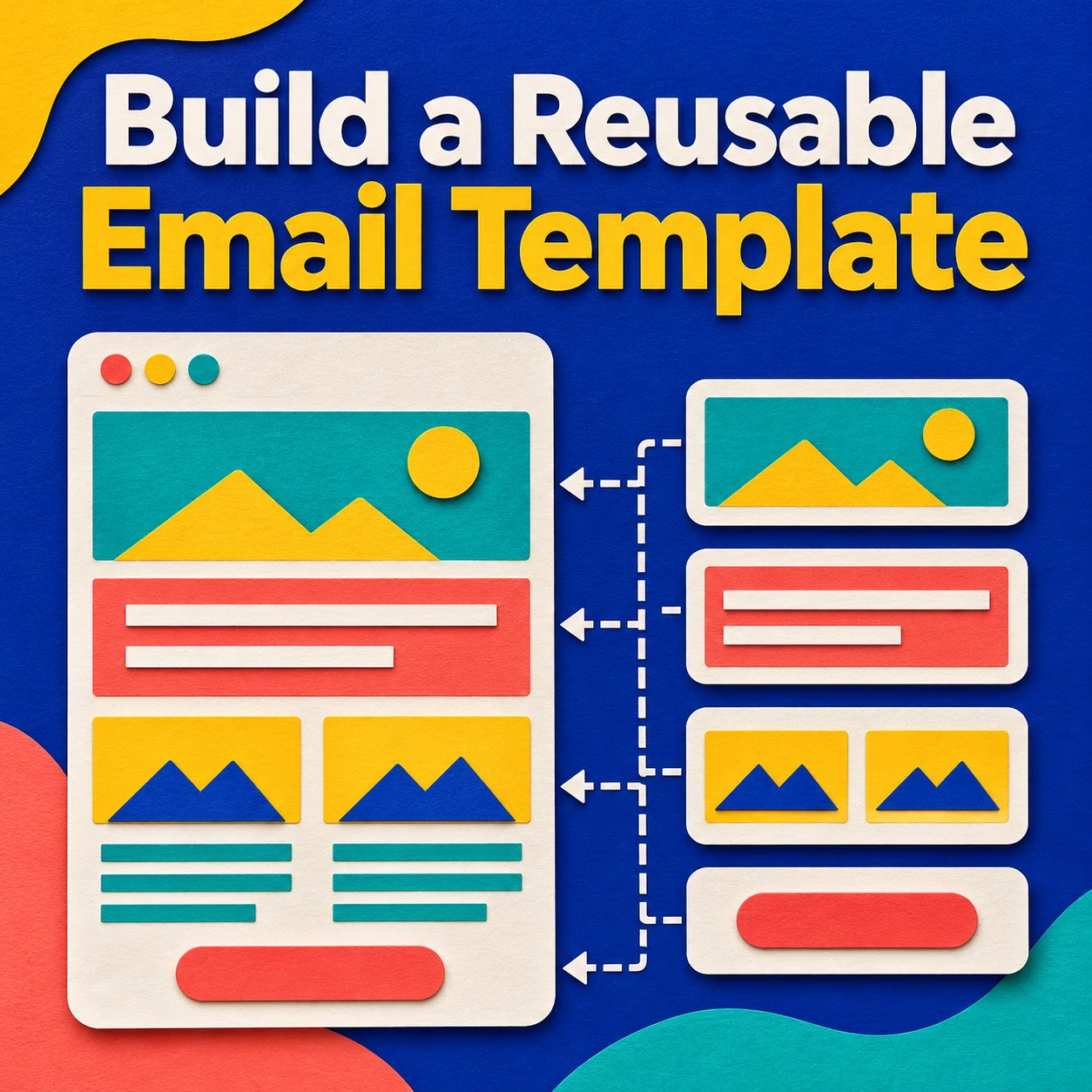
Build your master template around the parts that stay the same from one campaign to the next. Give each new send its own copy of that master. Keep old offers, audience names and campaign links out of the source so a future editor has fewer details to catch.
Decide what belongs in the master
| Keep in the master | Replace for each send |
|---|---|
| Brand header and base typography | Subject, preview text and lead story |
| A single-column content area | Headline, body, image and image alt text |
| Button styling | Button label and destination |
| Footer layout and the sending platform’s unsubscribe element | Campaign-specific terms and any tracking values |
Check the footer when you move the template to a different tool or account. Insert the unsubscribe element using the receiving platform’s documented method. A link copied from an old message may belong to a specific send or recipient.
Build a small set of blocks
Start with a header, one lead story, one action and a footer. Add an optional story or product block only when you have a second item worth including. Name the blocks by their jobs so an editor can recognize which ones are safe to remove.
For a monthly update, the lead story might use the heading “New booking hours” and a button labeled “See the new hours.” For a product announcement using the same layout, the heading and button can become “Meet the travel kit” and “View the travel kit.” Check that the button takes readers to the exact page named in the label. Use the EmailMassivo guide to choosing a template to decide whether a single column fits your content.
Test two copies before you share the master
- Make a short version. Remove every optional block. Check that the space above the footer still looks intentional.
- Make a longer version. Use a real headline at the long end of what your team writes. Check that the layout fits a phone screen and the button remains readable.
- Send both versions to test inboxes. Open each on a phone and a computer. Check the subject, preview text, links and the footer in the received emails. Make sure the main action is understandable with images disabled.
- Record who owns the master. Store the template name, the date it was reviewed, and the person who approves changes. Apply permanent corrections to the master and review any campaign copies already in progress.