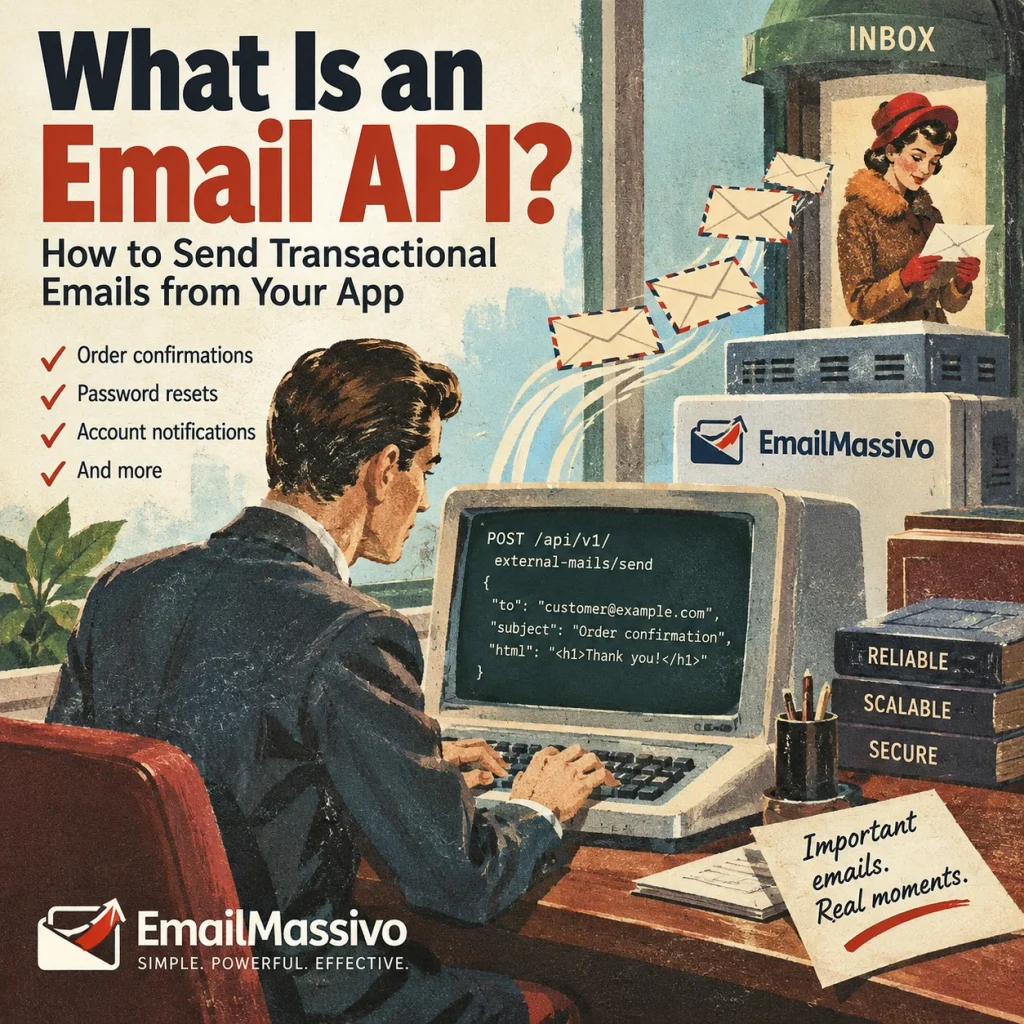
A customer places an order and needs a confirmation. Another user requests a password reset, while a new account needs an email verification message. These emails should follow the event automatically, without someone opening an inbox and sending each message by hand.
An email API connects your application to an email service provider so your backend can request those sends programmatically. Your application supplies the recipient and message; the provider handles the sending infrastructure.
This guide explains how that process works, how an email API differs from SMTP, and how to submit your first transactional email through EmailMassivo using a documented cURL request.
What Is an Email API?
An email API is an application programming interface that lets websites and applications request email sending through an email service provider. It can support transactional messages such as order confirmations, password resets, account notifications, and receipts.
API stands for application programming interface: a defined way for one software system to communicate with another. Instead of manually composing a message, your application submits the information required by the provider—typically a recipient, sender, subject, and message content.
For a REST email API, that communication uses HTTP requests. The provider documents the available endpoints, authentication method, required fields, and responses.
You do not need to operate your own outbound mail server when using a hosted email sending API. However, your team still manages the application logic, sender configuration, credentials, and response handling.
An API automates the sending request. It does not decide whether an order is valid, generate a secure password-reset token, or establish permission to send marketing messages. Those responsibilities remain with your application.
How Does an Email API Work?
An email API integration connects a business event to a sending request:
Application → Email API → Email Provider → Recipient
These labels describe stages of the process; the API and sending provider may belong to the same service.
- An event occurs. A customer completes checkout, requests account recovery, or triggers another notification.
- The backend prepares the message. It selects the recipient, adds relevant information, and creates the request body.
- The API checks the request. It evaluates authentication, permissions, and required fields.
- The provider processes the send. An accepted request moves into the provider’s sending process.
- The receiving system handles the message. The recipient’s mail server may accept or reject it. Accepted email can still be filtered into spam rather than the inbox.
A successful API response confirms success at the request-processing stage—not guaranteed inbox placement.
Your application should therefore distinguish “request accepted” from “delivery confirmed.” Store the returned message identifier and use the provider’s documented status information where available. If a request fails, inspect the response before retrying: incorrect credentials and temporary service problems require different actions.
What Are Transactional Emails?
Transactional emails communicate information connected to a specific action, account, or operational event. Their purpose is to help the recipient complete a task or understand what happened.
| Transactional email | Trigger |
|---|---|
| Order confirmation | Customer places an order |
| Password reset | User requests password recovery |
| Account verification | New account registration |
| Shipping notification | Order is shipped |
| Payment receipt | Payment is completed |
| Security alert | Suspicious account activity |
Marketing emails have a different primary purpose: promoting products, distributing newsletters, or encouraging engagement with an offer. They are often organized around an audience or campaign rather than one individual event.
The distinction depends on the message’s purpose, not whether it was sent automatically. A scheduled promotion remains marketing communication; automation does not make it transactional.
Keep operational messages focused. An order confirmation should make the order details easy to find. A password-reset email should explain the requested action clearly without burying it beneath promotional content.
If your goal is a recurring campaign rather than an event-triggered notification, our guide to How to Create an Email Newsletter covers that separate workflow.
Email API vs SMTP: What’s the Difference?
An email API and SMTP are two ways an application can submit email for sending. SMTP stands for Simple Mail Transfer Protocol, defined in the SMTP specification, RFC 5321.
| Email API | SMTP |
|---|---|
| Uses HTTP requests | Uses the SMTP protocol |
| Typically uses API tokens | Typically uses SMTP credentials |
| Integrates with application code through provider-defined endpoints | Integrates with mail clients and applications through SMTP libraries or settings |
| Returns HTTP responses | Returns SMTP responses |
| Suitable for transactional emails | Suitable for transactional emails |
An API can fit an application that already communicates with services through HTTP and JSON. SMTP can fit software with an existing mail library or configurable SMTP connection.
Neither method inherently guarantees better deliverability or faster sending. Authentication, sender reputation, recipient quality, infrastructure, and filtering still matter.
Choose based on your application’s architecture and the provider’s documented capabilities. Also check how each option exposes failures and whether your existing software supports the required authentication method.
Why Use an Email API?
An email API is useful when sending needs to become part of an application process rather than a manual task.
Automation: After an order is confirmed, the backend can request the confirmation email. Define the exact trigger so an abandoned checkout does not accidentally produce a completed-order message.
Integration: A SaaS application, ecommerce store, or internal system can connect its own events to email sending. The integration should use the source record rather than rely on someone copying information between tools.
Personalization: The application can supply a customer’s name, order number, or appointment details. Validate those values before including them in the message.
Templates: Reusable layouts keep the presentation separate from changing event data. A confirmation template can remain consistent while each request supplies a different order number.
Monitoring: API responses give the application information about acceptance or errors. Further delivery visibility depends on the provider’s available status tools.
API integration also differs from AI-assisted account management. Application code defines the event and request, while an AI client can interact with permitted tools through MCP. See MCP for Email Marketing for that distinction.
How to Send an Email Using EmailMassivo API
EmailMassivo documents a REST endpoint for transactional sending:
POST https://api.emailmassivo.com/api/v1/external-mails/send/{key_id}
The request uses two different identifiers: an API token authorizes access, while a sending key ID identifies the configured sending entity. They are not interchangeable.
Step 1. Create an API Key
Create an API key in your EmailMassivo account and enable the external_mail.send permission.
Store the token securely on your server. For the example below, make it available through an environment variable named EMAILMASSIVO_API_TOKEN. Do not put the token in frontend JavaScript or commit it to a repository.
Step 2. Configure Your Sending Domain
Use a verified domain and create a sending key associated with it.
A new sending key is not active immediately: EmailMassivo’s documentation instructs users to contact support for activation. Complete that step before testing.
The address supplied in mail.from.email must belong to the sending key’s domain.
Step 3. Send Your First Email
The following request follows the documented format. Before running it, replace:
42with your active sending key ID;customer@example.comwith an existing inbox you control;receipts@example.orgwith an address on your verified sending domain.
The example addresses are placeholders, not delivery-test destinations.
curl --request POST \
  "https://api.emailmassivo.com/api/v1/external-mails/send/42" \
  --header "Authorization: Bearer ${EMAILMASSIVO_API_TOKEN}" \
  --header "Content-Type: application/json" \
  --include \
  --data-raw '{
    "idempotencyKey": "order-8042-confirmation",
    "mail": {
      "to": {
        "email": "customer@example.com",
        "name": "Alex"
      },
      "from": {
        "email": "receipts@example.org",
        "name": "Example Store"
      },
      "subject": "We received order 8042",
      "html": "<p>Hello Alex, we have received your order 8042.</p>"
    }
  }'
This sends message content through mail.html. EmailMassivo also supports mail.text; at least one content field is required.
Step 4. Check the Response
The documented success status is:
200 OKThe response body contains a message identifier:
{
  "uuid": "018e8042-abcd-7000-8000-000000000001"
}
This UUID is illustrative. Store the actual value returned by your request.
Errors use HTTP status codes with structured details. Check those details before retrying, and retain the same idempotencyKey when retrying the same logical send.
The EmailMassivo Email API Documentation contains the complete field definitions and response reference. This example demonstrates the documented request structure; it is not a report of a live test send.
Sending Transactional Emails with Templates
There are two approaches to preparing message content.
Direct sending: Your application supplies the completed HTML or plain-text message. This suits an application that already generates its own email content.
Template-based sending: Your application references a saved template and supplies values for its variables.
EmailMassivo documents this endpoint for saved-template sending:
POST /api/v1/external-mails/send-by-template/{key_id}
Inside mail, use idTemplateMailUser to identify the account template and params to provide variable values instead of supplying html or text. For an order confirmation, those values could include customerName and orderNumber. Parameter names must match the template’s variables.
The public Transactional Email Templates category contains 19 templates as of October 11, 2026. Select a layout that fits your message’s actual purpose; a category listing does not automatically make it an API-ready account template.
For layout selection, see Email Marketing Templates.
Email API Security and Deliverability
Protect Credentials and Control Retries
Keep API tokens server-side, use HTTPS, and grant only the permissions the integration needs. Inspect error responses rather than repeatedly submitting an unchanged failing request.
Supply an idempotencyKey for each logical message. Reuse it when retrying that same send after a timeout, and assign a different value to a genuinely new notification. EmailMassivo documents this field as protection against duplicate sending.
Configure and Monitor the Sender
Set up SPF, DKIM, and DMARC appropriately, use valid recipient addresses, and monitor sending errors and complaints.
Google recommends all three authentication methods and distinguishes minimum requirements for ordinary and bulk senders in its Email Sender Guidelines.
Using an email API does not guarantee inbox placement. Authentication, reputation, sending behavior, and recipient filtering remain separate from a successful API request.
FAQ
An email API connects software events to email sending. Applications can use it for confirmations, account verification, recovery messages, receipts, and notifications. The application determines when to send and what information the recipient needs.
An email API typically accepts HTTP requests through provider-specific endpoints. SMTP uses a standardized mail protocol. Both support automated sending; choose according to your application’s existing mail support, authentication requirements, and response-handling needs.
Yes, when the provider supports transactional sending. Configure the sender, authenticate the request, and supply the required fields. For EmailMassivo, also ensure that the sending key has been activated before submitting a test.
No. A hosted provider handles the outbound sending infrastructure. You still need backend code or another server-side component to submit requests securely and manage credentials, message data, errors, and any required retries.
Yes, if the provider offers template-based sending. EmailMassivo supports an endpoint that references a saved account template and accepts variable values. Browsing a public design does not establish its account template ID.
An API changes how your application requests sending; it does not guarantee delivery or inbox placement. Sender authentication, reputation, recipient validity, complaints, and mailbox filtering must be assessed independently of the API’s success response.
Get Started with EmailMassivo Email API
An email API lets your application connect operational events to transactional messages. EmailMassivo supports sending prepared HTML or text and referencing saved templates with variable values.
Start with one event and an inbox you control. Activate the sending key, submit the request, inspect the response, and check the received message before expanding the integration.
Get Started with EmailMassivo Email API